Ordering Online in Korea: How to Enter Your Address and Receive Your Package
Basic address, detailed address, delivery request — which information goes in which box? A practical guide to entering a Korean delivery address, choosing one clear delivery instruction, reading tracking labels, and what to do when 'Delivered' appears but the parcel is missing.
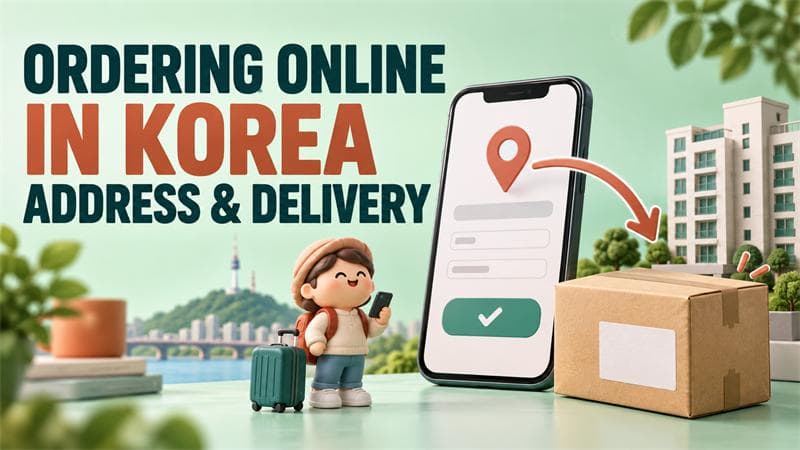
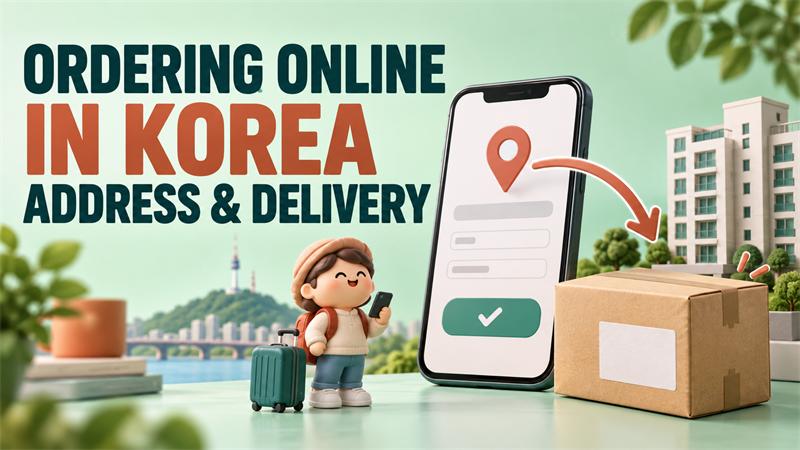
You have chosen what you want to buy. Then the checkout page asks for a basic address, a detailed address, and a delivery request. You know where you live, but you are not sure which information belongs in each box.
The good news is that you do not need to understand Korea's entire address system to receive a package. You need the correct address for your building, your apartment or room details, a working contact number, and a clear place for the package to go.
This guide is for ordinary deliveries within Korea. Overseas purchases, payment problems, and identity verification may involve additional steps.
1. Get your address in Korean before you start
Ask your landlord, building manager, or dormitory office for the full Korean address used for deliveries. Save it in a note on your phone so you can copy it again later.
You can ask:
택배 받을 때 사용하는 주소를 한글로 보내주실 수 있나요?
Could you send me the address I should use for deliveries, written in Korean?
Ask for your building or dormitory name and room details too. A campus address alone may not tell a driver which dormitory should receive the parcel.
You can also use Korea's official road-name address search website to look up an address and its English form. For a Korean checkout page, keeping the Korean version ready is useful.
Do not guess a spelling from a map pin if the manager can give you the exact delivery address.
2. Search for the building, then add your apartment or room
The buttons and layout vary between shops, but these labels are useful to recognize:
| Korean label | Meaning | What you usually do |
|---|---|---|
| 주소 검색 / 우편번호 찾기 | Address search / Find postal code | Open the address search box |
| 기본주소 | Basic address | Select the correct building address from the results |
| 상세주소 | Detailed address | Add your building block, apartment, or room details |
| 우편번호 | Postal code | Check the code filled in after selecting the address |
| 받는 사람 / 수령인 | Recipient | Enter the name of the person receiving the parcel |
| 연락처 / 휴대폰 번호 | Contact / Mobile number | Enter a number where you can be reached |
| 배송 요청사항 / 배송메모 | Delivery instructions | Explain where to leave the package |
Start by searching for the road name and street number from the address you saved. If the results show several places, check the city, district, and building carefully before selecting one.
Next, add the details needed to find your door. For example, 101동 502호 means building block 101, apartment 502. Here, 동 identifies the apartment block and 호 identifies the unit. If you live in a single building, your manager may tell you to use just a room number, such as 302호.
Do not stop after selecting the street address. The correct building address with a missing room number can still leave the driver unsure where to deliver.
3. Here is what a completed address section might look like
The following is a practice template, not a real address. Replace the placeholders with your own information.
| Field | Example entry |
|---|---|
| 기본주소 | [Select your actual Korean road-name address] |
| 상세주소 | 101동 502호 |
| 받는 사람 | [Your recipient name] |
| 연락처 | [Your reachable phone number] |
| 배송 요청사항 | 문 앞에 놓아주세요. |
For a one-room apartment, the detailed address might instead be 302호. For a dormitory, use the dormitory name and details required by its office.
Some forms split building and unit numbers into separate boxes. Follow that layout rather than copying the same information into every field. Before paying, read the final combined address once to check that nothing is missing or repeated incorrectly.
4. Choose one clear delivery instruction
You do not need a long message. These phrases cover several common situations:
| Copy this Korean phrase | Meaning |
|---|---|
| 문 앞에 놓아주세요. | Please leave it outside my door. |
| 경비실에 맡겨주세요. | Please leave it at the security office. |
| 도착하면 전화해 주세요. | Please call when you arrive. |
| 전화 연결이 안 되면 문자 부탁드립니다. | If you cannot reach me by phone, please send a text. |
| 초인종 누르지 말아주세요. | Please do not ring the doorbell. |
Choose a request that matches your building. Use the security-office option only if the office accepts parcels for residents. A delivery request also depends on access, the parcel, and the carrier's arrangements; it is not a guarantee that every request can be followed.
If your building has a locked shared entrance, ask the manager how deliveries normally enter. Use the app's designated access-instructions field where available, and follow the building's rules. Do not put your private apartment-door password into delivery notes.
Try to keep the request consistent. Selecting "leave at my door" while writing "leave at the security office" can make the instructions confusing.
5. If you live in a dormitory, find the parcel area first
Before your first order, ask the dormitory office where parcels are collected. Depending on the building, this could be a reception desk, a parcel room, a shelf, or a locker system.
Useful questions include:
택배는 어디에서 받나요?
Where do residents collect packages?
주소에 기숙사 이름과 방 번호를 어떻게 적으면 되나요?
How should I write the dormitory name and room number in the address?
Also ask about collection hours and whether you need identification. If you plan to order chilled or frozen food, check the arrangements before buying; a general parcel shelf may not be suitable for it.
A delivery notification may mean the parcel has reached the dormitory's receiving point, not your room. Learning that location in advance makes the first delivery much less confusing.
6. Recognize the delivery status without learning every logistics term
For everyday use, a few labels are enough:
| Korean status | Plain-English meaning |
|---|---|
| 배송 준비 중 | The order is being prepared for shipping |
| 배송 중 | The package is on its way; it may still be moving between facilities |
| 배송 출발 | Usually, the parcel is out for the final delivery round |
| 배송 완료 | The delivery has been marked complete |
Wording varies by shop and carrier, so open the tracking details if the status is unclear. Look for 배송조회, meaning "track delivery," and 운송장번호, meaning "tracking number." The tracking number may be different from your shopping order number.
Carrier websites and apps also provide tracking information. Use the carrier shown on your own order.
7. "Delivered" appears, but you cannot find the package
First, open the order details. Check any delivery photo, message, or stated drop-off location. Then look at your door and the receiving point used by your building. Ask a housemate or the reception desk whether someone accepted it.
Check the saved address too, especially if you recently moved. Updating your account's address book does not necessarily change an order you already placed. If that order has the wrong address, contact the shop promptly through its order-support page.
If the package is still missing, contact the delivery person through the official tracking information, or contact the carrier or seller. Have your order and tracking numbers ready.
You can send:
배송 완료로 표시되는데 택배를 찾지 못했습니다. 어디에 두셨는지 확인 부탁드립니다.
The order is marked delivered, but I cannot find the package. Could you please check where it was left?
For an unfamiliar delivery text, open the shopping app yourself to check the order before following a link. You do not need to resolve everything through a message from an unknown number.
8. Save a setup that works for your building
Once your first delivery arrives successfully, save the confirmed address and useful Korean phrases. Give the address a clear private nickname, such as "Home" or "Dormitory," if the app allows it.
Before each order, check three things: the selected address, the apartment or room number, and the delivery request. This matters particularly when ordering after a move or sending something to a friend.
If you are still unsure about the setup, you could start with a small, non-urgent purchase. There is less pressure while you learn where notifications appear and where your building keeps parcels.
After that, you can reuse the same information instead of working out the form from the beginning. A confirmed address and one clear delivery instruction can make an unfamiliar checkout page feel much more manageable.
You may also like
You may also like


Related Posts

Korean Hair Salon Phrases: How to Ask for a Haircut You Actually Want
Worried about explaining a haircut in Korean? Short phrases for a Korean hair salon: asking about appointments, confirming the service and total price, using a reference photo, agreeing on length before cutting, speaking up during the wash, and checking the result, plus a practice conversation.

Korean Clothing Store Phrases: Try Things On, Find Your Size, and Ask About Exchanges
Shopping for clothes in Korea? Short Korean phrases for browsing, asking for another size or color, using the fitting room, checking prices and alterations, asking about exchanges and refunds before paying, answering checkout questions, and returning an item for a different size.

Korean Taxi Phrases: Show Your Destination, Ask Questions, and Pay with Confidence
Taking a taxi in Korea without speaking Korean? Short phrases to show your destination, answer the driver's questions, explain luggage and passengers, ask about time and fares, request a safe stop, and confirm payment and receipts, plus a practice conversation.